GadgetsHow-to
How to use the NCC Device Checker on *315# before buying a phone
Dial *315# or use the NCC Device Checker with the phone's IMEI to see whether a handset is type approved and verified for Nigerian networks, then read the result carefully before you pay.

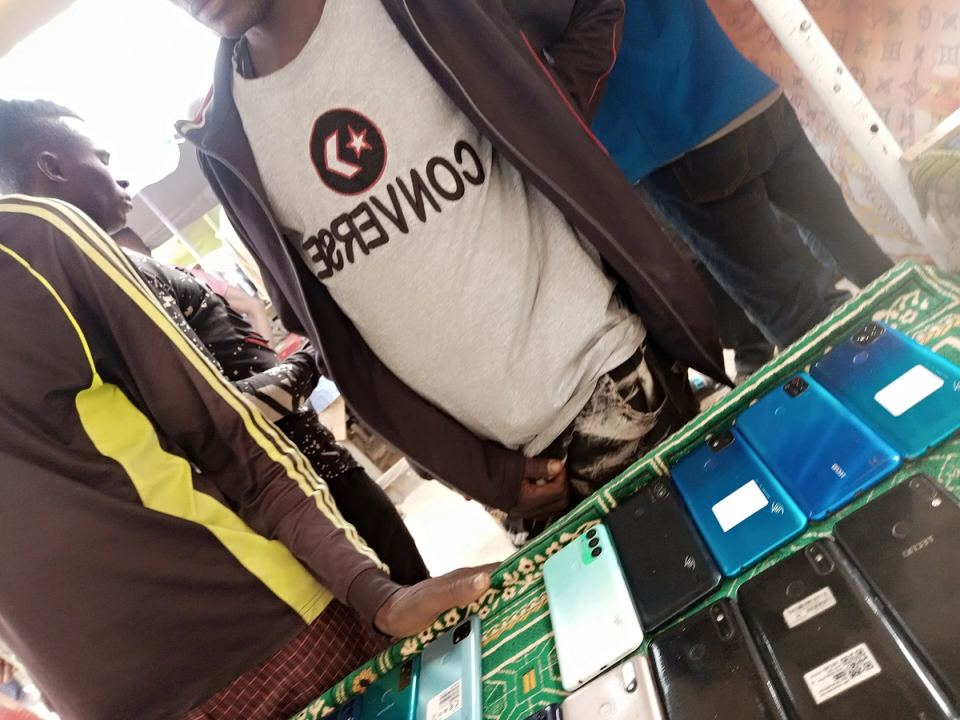
If you are about to buy a new or second-hand phone in Nigeria, the Nigerian Communications Commission (NCC) now gives you a way to check it first. The NCC Device Checker is part of stricter Type Approval rules that, according to Legit.ng, took effect on 7 October 2026. This guide, based on Techeconomy's walkthrough, Legit.ng's report and the NCC's own consumer guidance, shows the steps and what the results do and do not tell you.
How do I use the NCC Device Checker?
Use the NCC Device Checker by getting the phone's IMEI, entering it through one of three official channels and reading the result. Techeconomy sets out the steps.
- Step 1: Find the IMEI. Dial *#06# on the phone. The 15-digit number should match the device itself, not just the box, because packaging can be swapped on second-hand phones. Dual-SIM phones may show two IMEIs.
- Step 2: Choose a channel. Dial 315#, go to www.ncc.gov.ng/DeviceChecker, or call 315 for guidance. Legit.ng also says you can follow the prompts after dialling 315#.
- Step 3: Enter the IMEI of the phone you intend to buy and follow the prompts.
- Step 4: Read the result. A successful check should confirm that the device model is recognised as NCC Type Approved and that the specific handset is verified for use on Nigerian networks.
- Step 5: Decide. Only pay once the result is clear, or the seller has resolved any problem.
The NCC's consumer pages also explain how to find an IMEI: dial *#06#, or look on the phone, usually under the battery on older models. The commission says counterfeit phones often have no IMEI or use a fake one that does not appear in the GSMA database of legitimate devices.
Why does the check matter when buying a used phone?
Second-hand phones are where problems are most likely, because the box, the receipt and the handset may not match. The NCC's counterfeit guidance suggests knowing your model's details, such as its model number, technical specifications and logo, and checking the type-approved list on the commission's website. Doing the IMEI check in front of the seller, before any money changes hands, lets you negotiate or walk away.
What does a failed result mean?
A failed or incomplete result is a reason to pause, not proof that the phone is fake. Both Techeconomy and Legit.ng say a buyer should not assume a handset is counterfeit just because verification is incomplete. Techeconomy advises asking the seller to resolve the problem before you pay, contacting your service provider or the NCC, and walking away if the seller cannot show the phone complies.
Add Binatec Pulse as a preferred source on GoogleSee more of our stories in Google Top Stories.Legit.ng adds that devices confirmed to fall short of the requirements, including counterfeit handsets, will be refused network access. Its report says the guidance does not announce a blanket shutdown of particular device categories, and that restrictions depend on compliance rather than on device type.
Do I need to check the phone I already use?
Usually not. Techeconomy reports that devices already on Nigerian networks before 7 October 2026 were automatically verified, so existing users need no action. Legit.ng makes the same point. Checking matters most when you buy a phone, especially a used one.
What devices does the rule cover?
According to Legit.ng, covered devices include smartphones, feature phones, cellular tablets, SIM-enabled laptops, POS terminals and other eligible connected devices. It adds that manufacturers, importers, suppliers and retailers must confirm approval and submit IMEI information, including every IMEI for multi-IMEI phones, and that stock already held also needs verification. Unresolved devices should not be sold, so a legitimate shop should be able to show you a result.
What can the checker not tell me?
Techeconomy is clear that a passing result only confirms type approval and verification status. It does not assess a phone's physical condition, repair history, software or individual components. Inspect the phone, ask for a receipt and check the warranty as well.
The NCC's consumer pages describe wider risks from counterfeit handsets, including poorer service quality, defective components that can be a safety hazard, and greater cybersecurity exposure. The commission cites the Mobile Manufacturers Forum, which reports that substandard devices may contain dangerous levels of lead and calcium in parts users touch.
What should I watch out for when someone asks for a code?
If a verification process asks for a one-time code, Techeconomy says to enter it only through the official process and never share it with anyone. Treat any seller or stranger who asks you to read out a code, or to pay a fee to get a phone verified, as a warning sign. The tool itself, per the guidance quoted above, works from the IMEI.
If you have a problem with the checker or with a purchase, you can contact the NCC Consumer Affairs Bureau at consumer@ncc.gov.ng or on +234-209-461-7000 or +234-209-461-7514, the details listed on its consumer site. Guidance on this page was last checked on 9 November 2026; the rules and channels may change, so confirm on the NCC's website before relying on it for an expensive purchase.
Questions people are asking
What is the NCC Device Checker code?
Dial *315# and follow the prompts, or use www.ncc.gov.ng/DeviceChecker, or call 315 for guidance, per Techeconomy.
How do I find my phone's IMEI?
Dial *#06# on the phone. It shows a 15-digit number, and dual-SIM phones may show two.
Does a failed check mean my phone is fake?
Not necessarily. Techeconomy and Legit.ng say incomplete verification should be resolved with the seller before you pay.
Do I need to verify the phone I already use?
Usually no. Devices on Nigerian networks before 7 October 2026 were automatically verified, per Techeconomy and Legit.ng.